
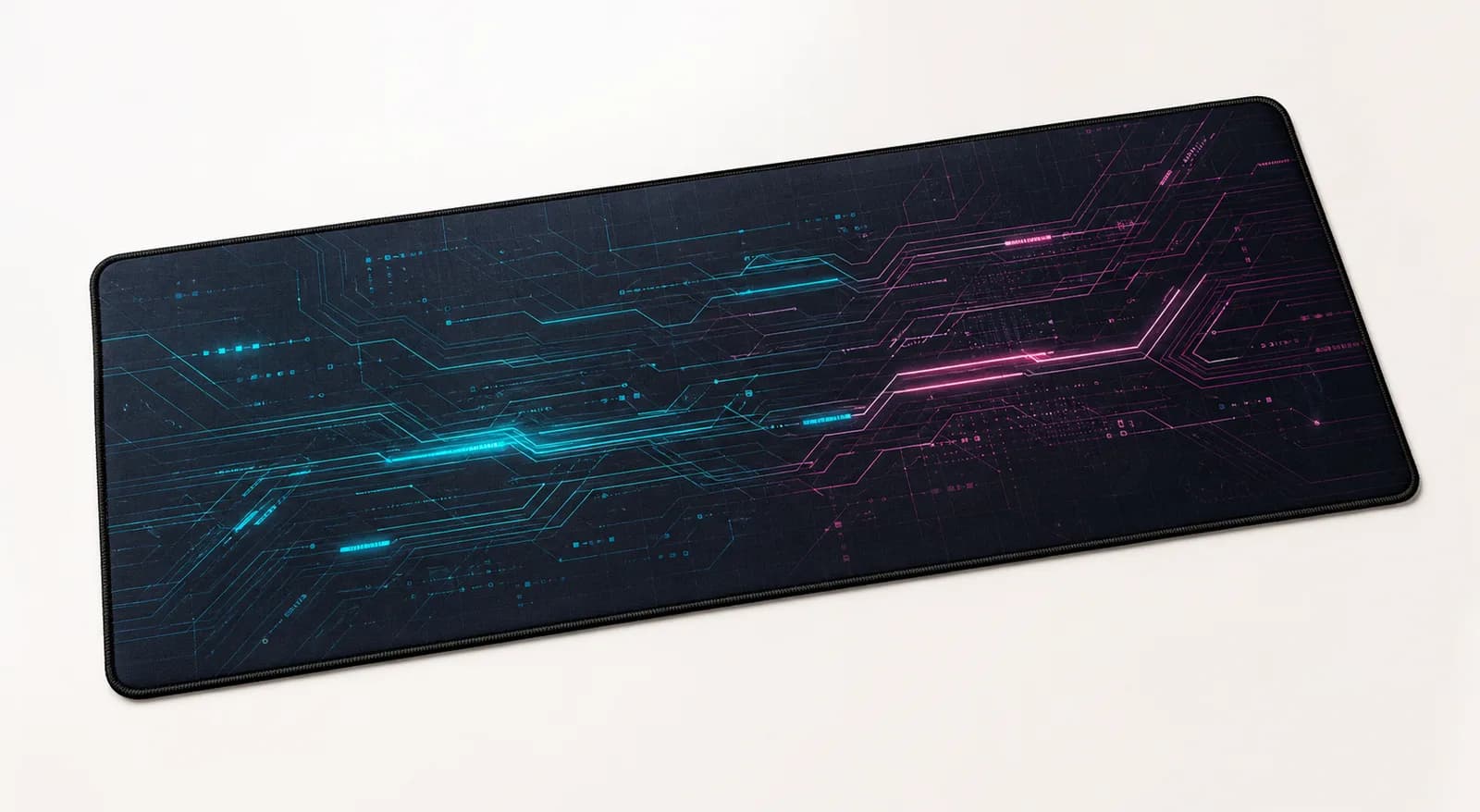
Desk setup10 June 20263 min read
Building a cleaner gaming desk setup with wall art and desk mats
Use a large desk mat, wall print, and a tighter colour palette to make a gaming setup feel cleaner and more premium.
A good gaming setup is not only about hardware. The desk mat, wall art, lighting, and colour palette decide whether the space feels focused or cluttered.
Choose one visual direction
Start with a simple theme: cyber, minimal, nature, monochrome, or warm studio. Pick one main colour and one support colour. When the desk mat and wall art share a mood, the setup feels designed instead of collected randomly.
Use a large desk mat as the base
A large desk mat visually connects your keyboard, mouse, controller, and accessories. It also softens sound and gives your mouse a consistent surface. For most gaming desks, XL or XXL feels more intentional than a small mousepad. If you want your own setup artwork, read the custom desk mat printing guide before uploading.
Let wall art balance the monitor
Wall art should not fight the screen. Place one strong print beside or above the monitor, or use a pair of smaller prints if the wall is wide. Dark or high-contrast artwork works well in setups with RGB lighting, while softer art makes a gaming room feel calmer.
Reduce desk noise
Keep only the items you use daily on the desk. Hide extra cables, move boxes and packaging away, and keep the front edge clear. A printed mat looks better when it has breathing room.
Match the mousepad size to how you play
Desk mat and gaming mousepad describe the same printed surface here, so the decision is size, not product type. A 900 x 400 mm XXL mat gives a full-size keyboard and a low-sensitivity sweep room to coexist. An 800 x 400 mm XL suits a tenkeyless board on a 120 cm desk, and a 450 x 400 mm M works beside a laptop when only the mouse needs a surface.
Whatever the size, keep the mat flat for a day after unrolling so the corners settle, and check the desk depth: XL and XXL are both 400 mm deep, which is more than some narrow desks allow once a monitor stand is in place.
Pick artwork that survives a busy desk
A gaming desk already carries a keyboard, mouse, headset stand, and cables. Artwork with a single strong focal point tends to disappear under equipment, while patterns, gradients, and repeating geometry still read once only the edges are visible.
Darker designs hide dust and cable shadows better than pale ones, and they also sit more comfortably behind RGB lighting. If the room already has coloured lighting, a muted mat keeps the setup from competing with itself.
Keep the desk quiet around the mat
Run cables behind the desk rather than across the mat, and keep the front edge clear so wrist contact is on fabric rather than on a cable. A mat that reaches the desk edge is more comfortable for long sessions than one that stops short.
Browse desk mats and mousepads, compare the four sizes in the desk mat and mousepad size guide, or upload your own design.
Next step
Turn the guide into a finished piece.
Use the guide to pick a ready design, or send your own artwork for studio review before production.