
Desk setup10 June 20261 min read
Building a cleaner gaming desk setup with wall art and desk mats
Use a large desk mat, wall print, and a tighter colour palette to make a gaming setup feel cleaner and more premium.
A good gaming setup is not only about hardware. The desk mat, wall art, lighting, and colour palette decide whether the space feels focused or cluttered.
Choose one visual direction
Start with a simple theme: cyber, minimal, nature, monochrome, or warm studio. Pick one main colour and one support colour. When the desk mat and wall art share a mood, the setup feels designed instead of collected randomly.
Use a large desk mat as the base
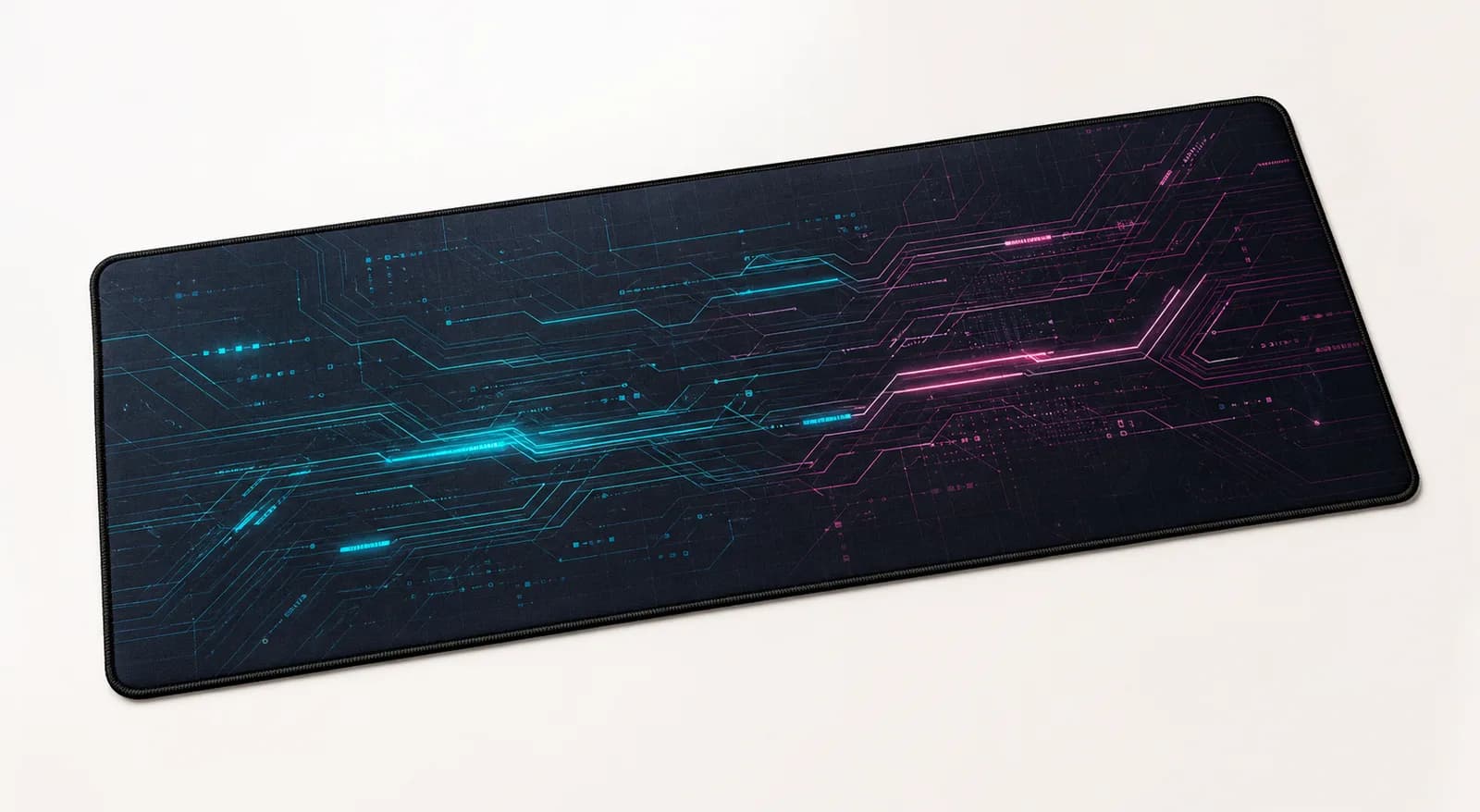
A large desk mat visually connects your keyboard, mouse, controller, and accessories. It also softens sound and gives your mouse a consistent surface. For most gaming desks, XL or XXL feels more intentional than a small mousepad. If you want your own setup artwork, read the custom desk mat printing guide before uploading.
Let wall art balance the monitor
Wall art should not fight the screen. Place one strong print beside or above the monitor, or use a pair of smaller prints if the wall is wide. Dark or high-contrast artwork works well in setups with RGB lighting, while softer art makes a gaming room feel calmer.
Reduce desk noise
Keep only the items you use daily on the desk. Hide extra cables, move boxes and packaging away, and keep the front edge clear. A printed mat looks better when it has breathing room.
Match the mat to how you play
Fast mouse movement needs more width. Strategy, work, and controller-heavy setups can use a smaller mat. If you switch between gaming and work, choose a design you will still enjoy during the day.
The easiest upgrade is simple: choose one desk mat, one wall art direction, and remove everything that does not support the setup.
Next step
Turn the guide into a finished piece.
Use the guide to pick a ready design, or send your own artwork for studio review before production.