
Desk setup12 July 20264 min read
Home office and study wall art: designing a desk you want to sit at
How to choose wall art and a desk mat for a home office or study space that feels focused rather than distracting.
A home office has a job to do. Unlike a living room, where art is there to be admired, a workspace has to hold your attention on the work rather than pull it away. That changes what belongs on the walls.
It also has a second audience most rooms do not: whoever is on the other end of your video calls.
Work out which wall you actually look at
Before choosing anything, notice where your eyes go. There are usually three distinct walls in a workspace, and each has a different requirement.
- The wall in front of your desk. This is in your direct line of sight all day. It should be the calmest wall in the room. Busy, high-contrast, or highly detailed artwork here becomes a low-level distraction you stop noticing consciously but keep glancing at.
- The wall behind you. This is your video-call background. It should look intentional on camera but not draw focus from your face.
- The side walls. These are the rest-your-eyes walls. This is where more interesting or personal artwork earns its place, because you look at it deliberately during breaks rather than constantly.
What works in front of the desk
Restrained work. Muted abstracts, topographic and line-based designs, soft monochrome, and calm natural tones all suit this position. Low contrast is your friend here.
Keep it to one piece and keep it reasonably sized. This is not the wall for a gallery arrangement. If the wall is mostly occupied by a monitor anyway, a single A3 or A4 above or beside the screen is plenty.
Avoid anything with text you can read from your chair. Your brain will re-read it involuntarily every time your eyes drift, which is precisely what you do not want in a focus space.
What works behind you on camera
The wall behind your chair is doing quiet professional work on every call. A single well-scaled piece, positioned so it sits over one shoulder rather than directly behind your head, is the standard that reads well on camera.
A few practical notes:
- Choose matte. Ring lights, window light, and ceiling lights all produce glare on gloss, and a hotspot behind you on camera is distracting.
- Avoid busy detail. Video compression turns fine detail into visual noise. Simple shapes and larger forms hold up far better than intricate work.
- Do not centre it behind your head. Offsetting it to one side looks composed; directly behind your head it looks like the art is growing out of you.
- Check it on camera before mounting. Hold the print up, open your video app, and look. Camera framing is narrower than you expect.
The desk surface matters as much as the wall
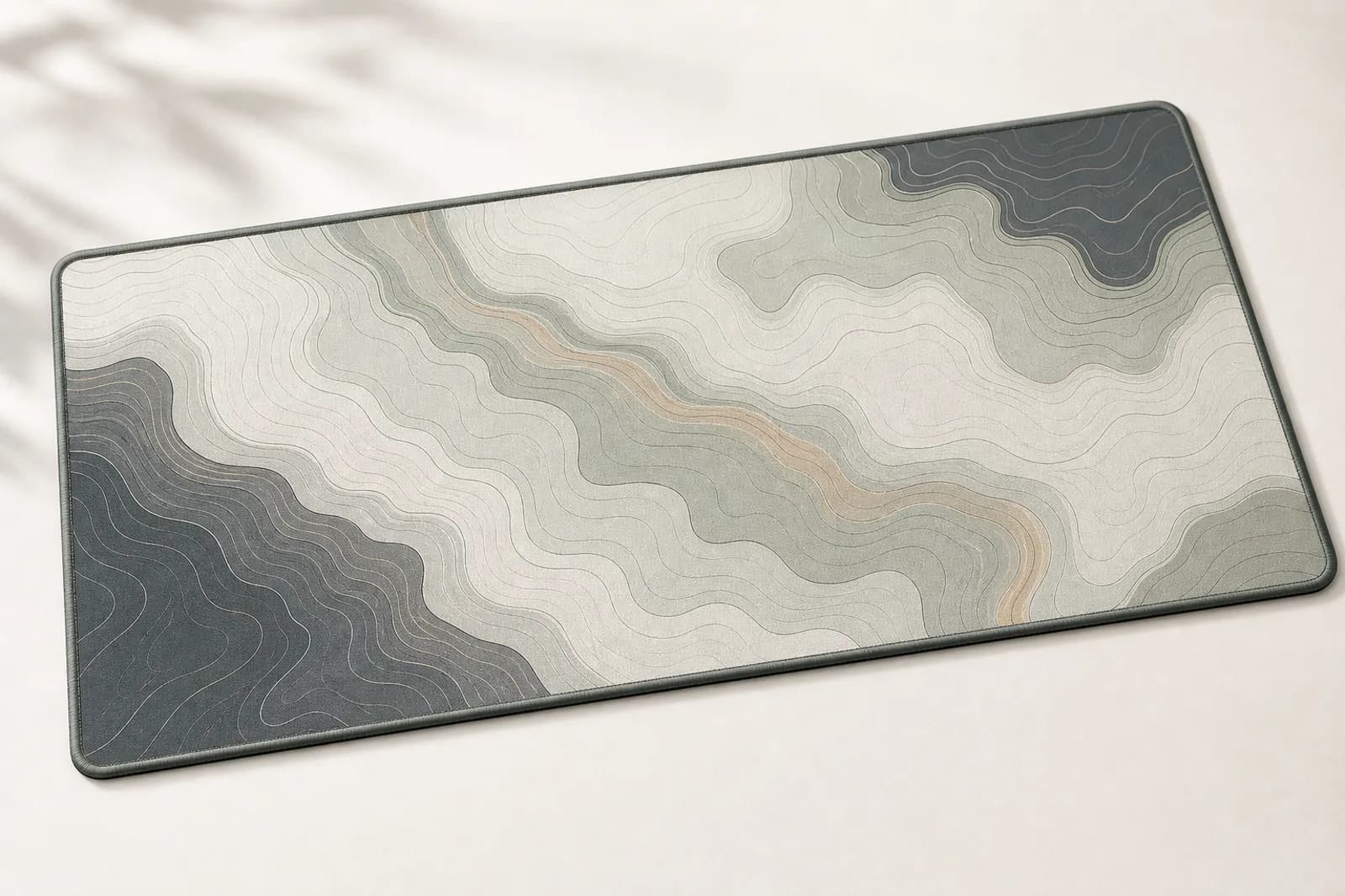
Wall art sets the mood of a workspace, but the desk surface is what you touch and look down at all day. A desk mat is the single easiest way to make a desk look deliberate rather than assembled, because it visually groups the keyboard, mouse, and everything else into one intentional zone.
For sizing, the L size at 700 x 300 mm suits most standard work desks and leaves room for a notebook and a cup. If you use a full-size keyboard with a wide mouse area, XL at 800 x 400 mm gives more space. Our desk mat size guide compares all four sizes against desk dimensions.
Coordinate the mat with the wall art rather than matching them exactly. Sharing a palette, whether that is warm neutrals, muted greens, or monochrome, is what makes a workspace look designed. Two pieces in identical artwork usually looks like a set rather than a scheme.
Study spaces and shared rooms
For a student desk or a study corner inside a bedroom, the priority shifts to keeping the workspace visually separate from the rest of the room. A single piece of art directly above the desk creates that boundary and signals to your brain that this small area is for work.
In a shared or multi-use room, a desk mat does the same job horizontally. Together they define a workspace within a room without needing a partition or extra furniture.
Practical details worth getting right
Mount art above a desk at a height that clears your monitor comfortably, with a clear gap so the two do not visually collide. Leave at least 20 cm between the top of the screen and the bottom of the print.
If your desk is against a rented wall or you rearrange your setup regularly, mounting matters. Metal prints with magnetic mounting lift off in a second, which is genuinely useful in a room you reconfigure. Our guide to hanging without drilling covers the options.
Finally, resist over-decorating a workspace. A focused room with one strong piece and a good desk surface consistently feels better to work in than a room with art on every wall.
Next step
Turn the guide into a finished piece.
Use the guide to pick a ready design, or send your own artwork for studio review before production.